Cyber threats are becoming more sophisticated, and businesses can no longer depend on occasional security checks to protect their websites, servers, applications, and digital infrastructure. A single unpatched vulnerability, exposed service, or misconfigured system can create an opportunity for attackers to access sensitive business information.
This is why choosing the right vulnerability scanner tools has become an important part of modern cybersecurity.
Whether you operate a small business website, manage multiple servers, develop web applications, or run an enterprise IT environment, vulnerability scanning helps identify security weaknesses before attackers can exploit them.
But which vulnerability scanner should you choose in 2026? Are free vulnerability scanning tools enough, or should businesses invest in paid vulnerability management software?
In this guide, we compare some of the best free and paid vulnerability scanner tools in 2026, including their features, strengths, limitations, and ideal use cases. We will also explain how continuous security monitoring solutions like Sentinal can help businesses maintain better security visibility beyond traditional vulnerability scans.
What Are Vulnerability Scanner Tools?
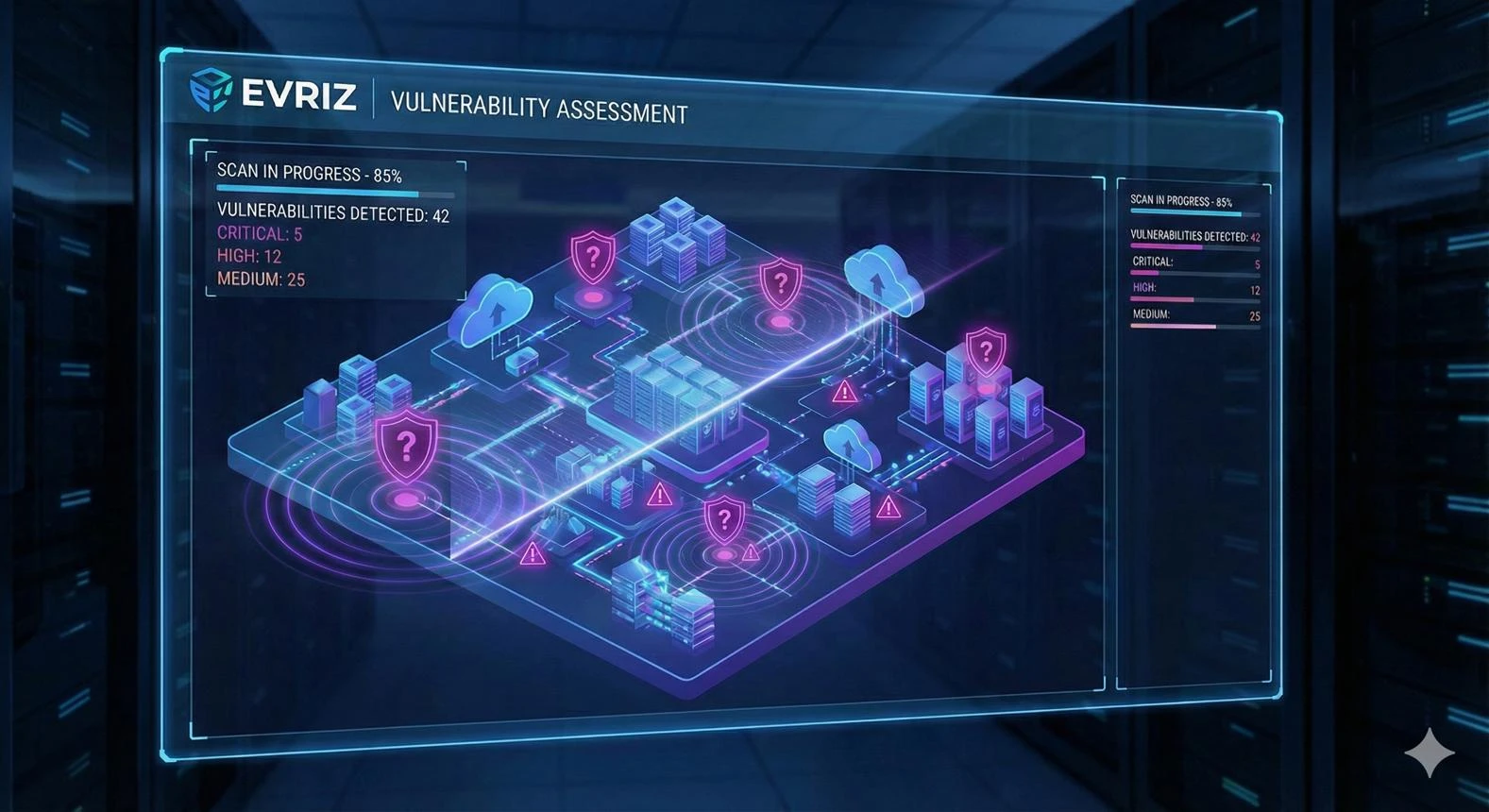
Vulnerability scanner tools are cybersecurity solutions designed to identify security weaknesses in websites, applications, networks, servers, operating systems, and other IT infrastructure.
These tools examine systems for known vulnerabilities, outdated software, insecure configurations, exposed ports, weak security settings, and other potential entry points that attackers could exploit.
Depending on the scanner, vulnerability assessments may be performed automatically, periodically, or continuously.
For example, a vulnerability scanner may identify:
- Outdated software containing known security vulnerabilities.
- Open network ports and exposed services.
- Weak SSL/TLS configurations.
- Missing security patches.
- SQL injection and cross-site scripting (XSS) risks.
- Insecure website configurations.
- Vulnerable third-party components.
- Known Common Vulnerabilities and Exposures (CVEs).
A vulnerability scanner helps security teams understand where weaknesses exist so they can investigate and fix them.
However, not every scanner checks the same things. Some specialize in network infrastructure, while others focus on web applications, APIs, cloud environments, or software dependencies.
Best Vulnerability Scanner Tools in 2026: Quick Comparison
Here is a comparison of popular vulnerability scanning tools based on their primary capabilities, licensing, and ideal use cases.
| Tool | Pricing model | Primary scanning capability | Best for |
|---|---|---|---|
| Tenable Nessus | Free trial / Paid | Network and infrastructure | IT professionals |
| OpenVAS (Greenbone) | Free / Paid | Network vulnerability scanning | Security teams on a budget |
| Nuclei | Free / Paid platform options | Template-based vulnerability scanning | Developers and security researchers |
| Qualys VMDR | Paid / Limited community options | Enterprise vulnerability management | Large organizations |
| Rapid7 InsightVM | Paid | Network and infrastructure | Enterprise security teams |
| Burp Suite | Free / Paid | Web application security | Web developers and penetration testers |
| ZAP by Checkmarx | Free / Open Source | Web application security | Developers and testers |
| Trivy | Free / Open Source | Containers, dependencies, and IaC | DevSecOps teams |
Important: These tools are not direct replacements for one another. Their scanning methods, supported environments, and deployment models differ. Pricing and free-tier availability should be verified with each vendor before purchasing.
1. Tenable Nessus – Best for Network Vulnerability Scanning
Tenable Nessus is one of the widely recognized vulnerability assessment tools used by cybersecurity professionals, penetration testers, and IT administrators.
It helps identify security weaknesses across networks, servers, operating systems, and applications.
Nessus examines systems for outdated software, missing security patches, configuration problems, and known vulnerabilities.
Key Features
- Vulnerability detection across network devices and operating systems.
- Identification of missing security patches.
- CVSS and EPSS-based vulnerability prioritization.
- Configuration and compliance assessments.
- Detailed vulnerability reports.
- External attack surface scanning capabilities.
Advantages
- Extensive vulnerability detection capabilities.
- Useful reporting for security assessments.
- Suitable for IT and cybersecurity professionals.
- Supports different types of security assessments.
Limitations
- Advanced features require a paid subscription.
- Requires configuration and technical knowledge.
- Primarily focuses on vulnerability assessment rather than complete security monitoring.
Best for: Organizations, IT administrators, and cybersecurity professionals who need detailed network and infrastructure vulnerability assessments.
Official website: https://www.tenable.com/products/nessus
2. OpenVAS (Greenbone) – Best Free Open-Source Vulnerability Scanner
OpenVAS, now part of Greenbone's vulnerability management ecosystem, is a popular option for organizations looking for open-source vulnerability scanning capabilities.
It helps identify vulnerabilities across network infrastructure, operating systems, and connected devices.
For organizations with limited cybersecurity budgets, Greenbone Community Edition provides an opportunity to perform vulnerability assessments without purchasing a commercial scanner license.
Key Features
- Network vulnerability scanning.
- Detection of known security weaknesses.
- Vulnerability assessment reports.
- Regular vulnerability test feed updates.
- Self-hosted deployment options.
- Open-source community edition.
Advantages
- Free community edition.
- Open-source technology.
- Useful for network security assessments.
- Greater flexibility for technical teams.
Limitations
- Requires technical setup and maintenance.
- May need dedicated infrastructure.
- Requires expertise to interpret and prioritize findings.
- Does not replace continuous security monitoring.
Best for: Small security teams, cybersecurity researchers, and organizations that prefer open-source vulnerability assessment solutions.
Official website: https://greenbone.net/
3. Nuclei – Best for Fast Automated Vulnerability Scanning
Nuclei is an open-source vulnerability scanner developed by ProjectDiscovery.
It uses customizable YAML-based templates to identify vulnerabilities, security misconfigurations, exposed services, and other potential security issues.
Its flexibility makes it particularly useful for security researchers, penetration testers, and DevSecOps teams.
Key Features
- Template-based vulnerability scanning.
- Detection of known CVEs.
- Custom security testing templates.
- Automated scanning workflows.
- Integration into CI/CD pipelines.
- Community-maintained vulnerability templates.
Advantages
- Open-source and flexible.
- Fast automated scanning.
- Supports custom vulnerability detection.
- Useful for developers and security professionals.
Limitations
- Requires technical knowledge.
- Results depend on available and correctly configured templates.
- Requires careful scope management.
- Does not independently provide complete business security monitoring.
Best for: Developers, penetration testers, security researchers, and DevSecOps professionals.
Official website: https://projectdiscovery.io/nuclei
4. Qualys VMDR – Best for Enterprise Vulnerability Management
Qualys Vulnerability Management, Detection and Response (VMDR) is an enterprise-focused vulnerability management solution.
It helps organizations discover assets, identify vulnerabilities, assess security risks, and prioritize remediation across their IT environments.
Qualys is particularly relevant for businesses managing large and distributed infrastructure.
Key Features
- Asset discovery and inventory.
- Vulnerability assessment.
- Risk-based prioritization.
- Security configuration assessments.
- Remediation management.
- Enterprise reporting and integrations.
Advantages
- Designed for large IT environments.
- Broad vulnerability management capabilities.
- Centralized security visibility.
- Supports enterprise security workflows.
Limitations
- Commercial licensing can be expensive for smaller businesses.
- Configuration and deployment may require expertise.
- Enterprise functionality may be unnecessary for businesses with limited infrastructure.
Best for: Enterprises, managed security teams, and organizations managing large IT environments.
Official website: https://www.qualys.com/
5. Rapid7 InsightVM – Best for Risk-Based Vulnerability Management
Rapid7 InsightVM helps security teams discover, assess, prioritize, and remediate vulnerabilities across their infrastructure.
Rather than simply producing a list of security weaknesses, it provides additional risk context to help organizations understand which vulnerabilities deserve attention first.
Key Features
- Vulnerability discovery and assessment.
- Asset management.
- Risk-based vulnerability prioritization.
- Scheduled security scans.
- Vulnerability reporting.
- Remediation workflows.
- Integration with other security technologies.
Advantages
- Useful risk-based prioritization.
- Detailed reporting and analytics.
- Suitable for complex IT environments.
- Supports organized remediation processes.
Limitations
- Primarily designed for professional security teams.
- Commercial pricing.
- Requires setup and ongoing management.
- Not a simple plug-and-play solution for every small business.
Best for: Medium-sized and enterprise organizations that need structured vulnerability management.
Official website: https://www.rapid7.com/products/insightvm/
6. Burp Suite – Best for Web Application Security Testing
Burp Suite, developed by PortSwigger, is a popular platform for web application security testing.
It allows security professionals to inspect HTTP requests and responses, analyze application behavior, and identify vulnerabilities in websites and web applications.
It is particularly useful for penetration testers and application security specialists.
Key Features
- HTTP traffic interception.
- Web application security testing.
- Manual vulnerability testing.
- Automated scanning in commercial editions.
- Authentication and session testing.
- Security testing workflows.
Advantages
- Powerful web application testing capabilities.
- Useful for penetration testing.
- Free Community edition available.
- Supports detailed manual security assessments.
Limitations
- Advanced automated scanning requires a paid edition.
- Requires technical expertise.
- Focuses on application security rather than complete infrastructure monitoring.
Best for: Web developers, application security engineers, and penetration testers.
Official website: https://portswigger.net/burp
7. ZAP by Checkmarx – Best Free Web Application Scanner
ZAP, previously known as OWASP ZAP, is a free, open-source web application security testing tool.
It works as an interception proxy, allowing security testers to inspect communication between a browser and a web application.
It can identify several common web security weaknesses through passive and active scanning.
Key Features
- Automated web application scanning.
- Passive security analysis.
- Active vulnerability scanning.
- Website crawling and spidering.
- API security testing capabilities.
- Automation and CI/CD integration.
Advantages
- Free and open-source.
- Useful for web application security testing.
- Suitable for developers and testers.
- Extensible through add-ons.
Limitations
- Requires technical knowledge for effective testing.
- Automated scans cannot identify every logical vulnerability.
- Active scanning can affect the target application.
- Does not provide complete 24/7 business security monitoring.
Best for: Developers, penetration testers, and organizations looking for free web application security testing.
Official website: https://www.zaproxy.org/
8. Trivy – Best for Container and Cloud-Native Security
Trivy is an open-source security scanner developed by Aqua Security.
It is particularly useful for developers and DevSecOps teams working with containers, software dependencies, and infrastructure-as-code configurations.
Unlike traditional network scanners, Trivy focuses on identifying security risks in software artifacts and cloud-native development environments.
Key Features
- Container image vulnerability scanning.
- Software dependency analysis.
- Infrastructure-as-code misconfiguration detection.
- Kubernetes-related security checks.
- Software Bill of Materials (SBOM) support.
- CI/CD integration.
Advantages
- Free and open-source.
- Easy integration into development pipelines.
- Useful for container security.
- Supports multiple scanning categories.
Limitations
- Not designed to replace a traditional network scanner.
- Requires development and deployment knowledge.
- Does not provide complete website or employee security monitoring.
Best for: Developers, DevOps engineers, cloud-native businesses, and organizations using containerized applications.
Official website: https://trivy.dev/
Free vs Paid Vulnerability Scanner Tools: Which Should You Choose?
Choosing between free and paid vulnerability scanner tools depends on your infrastructure, security requirements, technical resources, and budget.
Both options have advantages, but they serve different business needs.
| Comparison factor | Free tools | Paid tools |
|---|---|---|
| Initial cost | Usually free | Subscription or licensing fees |
| Vulnerability detection | Available | Often broader and more managed |
| Customization | Depends on the tool | Depends on the platform |
| Automated reporting | Varies | Often more advanced |
| Enterprise integrations | May be limited | Usually broader |
| Technical support | Community support in many cases | Vendor support options |
| Asset management | Varies | Often more comprehensive |
| Risk prioritization | Tool-dependent | Often includes advanced risk context |
| Continuous monitoring | Depends on the tool and setup | Available in selected products |
| Best suited for | Individuals and technical teams | Businesses and enterprises |
When Should You Use Free Vulnerability Scanners?
Free vulnerability scanning tools are suitable when:
- You are learning cybersecurity.
- You want to test your own website or server.
- You have a limited security budget.
- You have technical staff who can manage scanning tools.
- You need a specific type of security assessment.
When Should You Invest in Paid Vulnerability Management Software?
Paid solutions are worth considering when:
- Your organization manages multiple websites and servers.
- You need centralized vulnerability reporting.
- You require enterprise-level asset management.
- Your business needs structured remediation workflows.
- You need vendor support and advanced security integrations.
The important thing is not simply whether a tool is free or paid. It is whether the tool provides the security visibility your business actually needs.
Vulnerability Scanner vs Vulnerability Management: What's the Difference?
These terms are often used interchangeably, but they are not exactly the same.
A vulnerability scanner identifies security weaknesses, whereas vulnerability management involves a broader process of discovering, evaluating, prioritizing, tracking, and resolving those weaknesses.
| Feature | Vulnerability Scanner | Vulnerability Management |
|---|---|---|
| Security scanning | Yes | Yes, depending on platform |
| Vulnerability detection | Yes | Yes |
| Asset discovery | Tool-dependent | Often included |
| Risk prioritization | Basic to advanced | Central capability |
| Remediation tracking | Limited in many tools | Usually included |
| Security reporting | Yes | More comprehensive |
| Ongoing risk assessment | Scan-dependent | Continuous or scheduled |
| Security oversight | Limited | Broader security workflow |
For example, a scanner might identify an outdated software component on your website. Vulnerability management helps your team understand its severity, determine the appropriate fix, assign responsibility, and verify remediation.
Businesses should consider both vulnerability detection and the ongoing management of security risks.
Why Traditional Vulnerability Scanning Is Not Enough for Modern Businesses
Traditional vulnerability scanners are important, but relying only on periodic scans can leave gaps in your security visibility.
Consider a business that scans its website once every month.
A few days after the scan:
- A new service might become publicly exposed.
- A software vulnerability might be disclosed.
- An SSL certificate might approach expiration.
- Employee credentials might appear in a data breach.
- A suspicious login might occur.
- A third-party application might introduce additional security risks.
A previous vulnerability scan may not automatically detect these changes.
This is where continuous security monitoring becomes important.
Modern businesses need more than occasional security reports. They need visibility into changes, exposures, and suspicious activity that could affect their digital environments.
Sentinal: A Smarter Approach to 24/7 Security Monitoring
Traditional vulnerability scanners are useful for identifying technical weaknesses. However, businesses also need ongoing visibility into their websites, domains, digital assets, credentials, and security exposure.
Sentinal – Your AI Security Employee is designed around this broader security monitoring approach.
Instead of treating cybersecurity as an occasional activity, Sentinal focuses on helping businesses maintain security visibility through 24/7 monitoring.
It is particularly relevant for small and medium-sized businesses that cannot afford to maintain a full-time in-house cybersecurity team.
What Makes Sentinal Different?
Sentinal focuses on multiple areas of business security rather than only performing traditional vulnerability scans.
| Security monitoring area | What it helps businesses monitor |
|---|---|
| Website Security | Website security weaknesses and potential exposures |
| Domain Monitoring | Domain-related security risks |
| SSL Monitoring | SSL certificate status and potential issues |
| Email Security | Business email security exposure |
| Leaked Credentials | Exposed business credentials |
| Suspicious Logins | Potentially unusual login activity |
| Exposed Services | Publicly exposed services and potential entry points |
| Vulnerability Monitoring | Known vulnerabilities and security weaknesses |
| Employee Security Behavior | Potential security risks associated with employee activity |
| Third-Party Applications | Security exposure associated with connected applications |
| AI Employee Tool Usage | Potential risks associated with employees using AI tools |
The purpose is to give businesses broader visibility into their security environment.
Why Businesses May Need Continuous Security Monitoring
Imagine you operate an online store, a service-based business, or a company website.
Your digital infrastructure does not remain static. Websites change, employees use different applications, credentials can become exposed, and new vulnerabilities are discovered.
A traditional scanner may help identify weaknesses during a scan, but businesses also need to understand what happens between scans.
With Sentinal, businesses can adopt a more proactive approach to security monitoring.
Key benefits include:
- 24/7 monitoring: Maintain ongoing visibility into monitored security areas.
- Broader security awareness: Monitor multiple aspects of your digital environment.
- Early identification: Help identify potential exposures and suspicious security events.
- Reduced manual oversight: Reduce the need to manually check every monitored security area.
- Better security visibility: Give businesses a clearer understanding of their security posture.
Sentinal is not a replacement for specialist penetration testing, authenticated infrastructure assessments, or every dedicated vulnerability scanner. It complements these tools by addressing broader and ongoing security monitoring needs.
Want to improve your business security visibility? Explore Sentinal – Your AI Security Employee.
How to Choose the Best Vulnerability Scanner for Your Business
Before investing in vulnerability scanning software, evaluate your actual security requirements.
Here are the most important factors to consider.
1. Identify What You Need to Scan
Different tools specialize in different environments.
For example:
- Websites and web applications: Burp Suite or ZAP.
- Network infrastructure: Nessus or OpenVAS.
- Automated template-based scanning: Nuclei.
- Enterprise vulnerability management: Qualys VMDR or Rapid7 InsightVM.
- Containers and software dependencies: Trivy.
Selecting a tool based on your actual infrastructure helps avoid unnecessary costs.
2. Evaluate Automation Capabilities
Manual security assessments can consume considerable time.
Look for tools that support automated scanning, scheduled assessments, reporting, and integrations where appropriate.
If your business needs ongoing monitoring, evaluate whether the solution provides continuous monitoring or simply performs scans at scheduled intervals.
3. Check Vulnerability Prioritization
Not every vulnerability presents the same level of risk.
Consider whether the software provides:
- CVSS severity information.
- Known-exploited vulnerability indicators.
- Asset exposure information.
- Risk-based prioritization.
- Remediation recommendations.
These capabilities help security teams focus on the issues that matter most.
4. Consider Ease of Use
Some vulnerability scanning tools require advanced cybersecurity knowledge.
If your business does not have dedicated security professionals, consider platforms that provide understandable reports, clear alerts, and straightforward monitoring dashboards.
5. Look Beyond Scanning
A strong cybersecurity strategy should include more than vulnerability detection.
Consider additional security requirements such as:
- Domain and website monitoring.
- SSL certificate monitoring.
- Credential exposure detection.
- Suspicious login monitoring.
- Third-party application security.
- Employee security awareness.
- Ongoing security visibility.
This is where a broader monitoring solution like Sentinal can complement traditional vulnerability scanners.
Best Practices for Vulnerability Scanning in 2026
Regardless of which vulnerability scanner you choose, following a structured security process is important.
- Maintain an asset inventory: Know which websites, servers, applications, and devices belong to your organization.
- Perform regular vulnerability assessments: Establish an appropriate scanning schedule based on risk.
- Prioritize critical vulnerabilities: Investigate vulnerabilities based on severity, exploitability, and asset exposure.
- Patch outdated software: Apply security updates as soon as practical.
- Review exposed services: Identify unnecessary publicly accessible ports and services.
- Monitor credentials: Watch for compromised or leaked business credentials.
- Review third-party applications: Evaluate the security implications of connected tools and integrations.
- Verify remediation: Reassess vulnerabilities after applying fixes.
- Combine security tools: Use specialist scanners alongside broader monitoring capabilities.
- Monitor continuously: Maintain visibility into security changes between scheduled assessments.
Important security note: Always scan systems and applications you own or have explicit permission to assess. Active vulnerability scans can generate traffic and potentially affect production environments.
Frequently Asked Questions (FAQs)
1. What are the best vulnerability scanner tools in 2026?
Some popular vulnerability scanner tools in 2026 include Tenable Nessus, OpenVAS, Nuclei, Qualys VMDR, Rapid7 InsightVM, Burp Suite, ZAP, and Trivy. The best option depends on whether you need network, website, application, cloud, or container security testing.
2. What is the best free vulnerability scanner?
OpenVAS, Nuclei, ZAP, and Trivy are popular free or open-source options. Each serves a different purpose. OpenVAS focuses on network vulnerability assessment, Nuclei offers template-based scanning, ZAP specializes in web application security testing, and Trivy focuses on software and cloud-native security.
3. Are free vulnerability scanners enough for small businesses?
Free vulnerability scanners can provide valuable security assessments, especially for businesses with technical expertise. However, small businesses may also need ongoing security monitoring, credential exposure detection, suspicious login monitoring, and security reporting.
4. How often should I scan my website for vulnerabilities?
Scanning frequency depends on your website, infrastructure, and security risks. Businesses should establish regular vulnerability assessments and perform additional checks after significant infrastructure changes, software updates, or security incidents. Continuous monitoring can complement scheduled scanning.
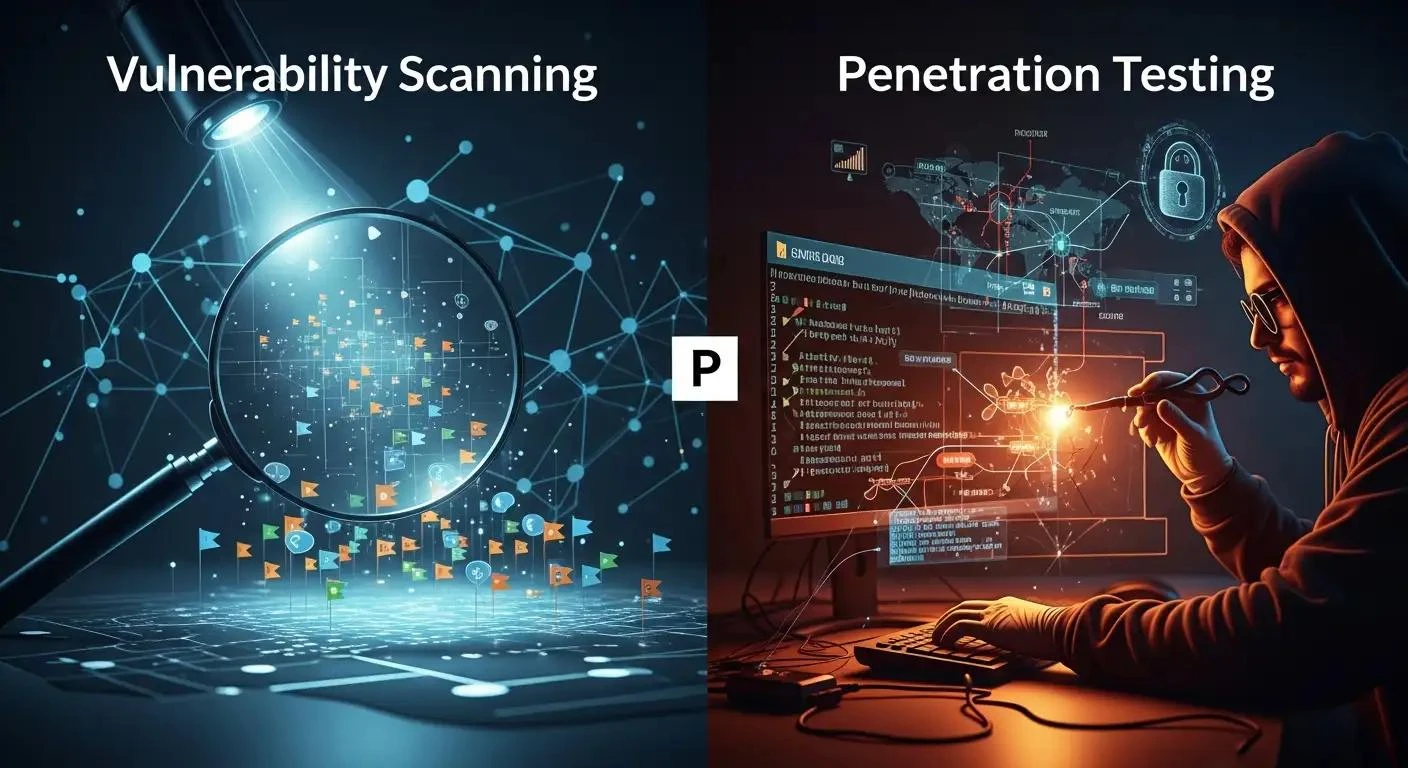
5. What is the difference between vulnerability scanning and penetration testing?
Vulnerability scanning uses automated tools to identify potential security weaknesses. Penetration testing involves a deeper, controlled assessment in which security professionals attempt to validate and exploit weaknesses within an authorized scope. Both serve important but different purposes.
6. Can vulnerability scanners detect all cybersecurity threats?
No. Vulnerability scanners cannot detect every security issue. They may miss business logic flaws, certain authentication weaknesses, sophisticated attacks, and threats that require behavioral analysis or manual investigation. They should be part of a broader cybersecurity strategy.
7. What is continuous security monitoring?
Continuous security monitoring involves maintaining ongoing visibility into an organization's digital assets, security exposures, and relevant security events. Depending on the platform, it may include website, domain, SSL, credential, login, and vulnerability monitoring.
8. How does Sentinal help businesses with cybersecurity monitoring?
Sentinal is an AI-powered security monitoring solution designed to provide businesses with 24/7 visibility across multiple security areas. Its monitoring scope includes websites, domains, SSL, email security, leaked credentials, suspicious logins, exposed services, vulnerabilities, employee security behavior, third-party applications, and AI employee tool usage.
9. Is vulnerability management necessary for small businesses?
Yes. Small businesses are also exposed to cyber risks, including outdated software, exposed services, compromised credentials, and website vulnerabilities. A suitable combination of vulnerability scanning and continuous security monitoring can help them identify and manage these risks.
10. What should I choose: a vulnerability scanner or a security monitoring platform?
Choose a vulnerability scanner when you need to identify technical weaknesses in a specific environment. Consider a security monitoring platform when you need broader, ongoing visibility into security exposures and events. Many businesses benefit from using both approaches together.
Final Thoughts
Choosing the best vulnerability scanner tools in 2026 is not just about finding software that identifies the largest number of vulnerabilities. It is about understanding your security requirements, identifying potential exposures, prioritizing risks, and ensuring that security issues are addressed.
Free solutions such as OpenVAS, Nuclei, ZAP, and Trivy provide valuable capabilities for different technical requirements. Meanwhile, commercial platforms such as Nessus, Qualys VMDR, and Rapid7 InsightVM offer more advanced vulnerability assessment and management capabilities for organizations with larger security requirements.
However, vulnerability scanning should not be the only part of your cybersecurity strategy.
Businesses also need ongoing visibility into their websites, domains, credentials, exposed services, and other digital security risks.
This is where Sentinal – Your AI Security Employee offers a broader approach to 24/7 security monitoring.
If your business wants to move beyond occasional security checks and improve its ongoing security visibility, explore Sentinal and discover a smarter approach to business cybersecurity.
Your security should not stop when a vulnerability scan ends.